Search this site
121 results found with an empty search
- Bye-Bye Debris: Vacuuming to Waste the Right Way
Need to clear out heavy debris without clogging your filter? This quick tutorial shows you how to vacuum to waste using your Hayward sand filter—a smart way to remove large debris while keeping your filtration system clean and stress-free. Key Takeaways: “Waste” mode bypasses the filter and sends debris out through the waste line. This method helps prevent filter clogs during heavy cleanups. You’ll lose some water, but gain a cleaner pool with less strain on your system. Step-by-Step Process: Set up your vacuum system as usual and connect the hose to the skimmer. Turn off the pump and move the multiport valve to the “WASTE” setting. Turn the pump back on and begin vacuuming. When finished, turn off the pump, return the valve to “FILTER,” disconnect your vacuum, and restart the pump. Resources and Explanations: Hayward Sand Filter – A widely used filtration system that supports multiple valve positions for easy maintenance. Multiport Valve – Allows you to change the flow of water for different cleaning tasks like “Filter,” “Backwash,” and “Waste.” Vacuuming to Waste – Ideal for removing algae, fine silt, or large debris without clogging your filter. FAQs: Q1: Why would I vacuum to waste instead of filtering? A1: Vacuuming to waste sends debris straight out of the system, preventing it from clogging your filter—ideal after storms or algae treatments. Q2: Will I lose a lot of water using this method? A2: Yes, some water loss is expected, but it’s manageable. Be prepared to top off your pool afterward. Q3: Do I need to rinse or backwash afterward? A3: No rinsing or backwashing is needed since the water bypasses the filter during the “WASTE” setting. At The Great Escape, we’re here to help you get the most from your pool with expert support and simple tutorials. If you have questions, your local Great Escape team is always happy to help!
- Flush It Out: How to Backwash and Rinse a Hayward Sand Filter
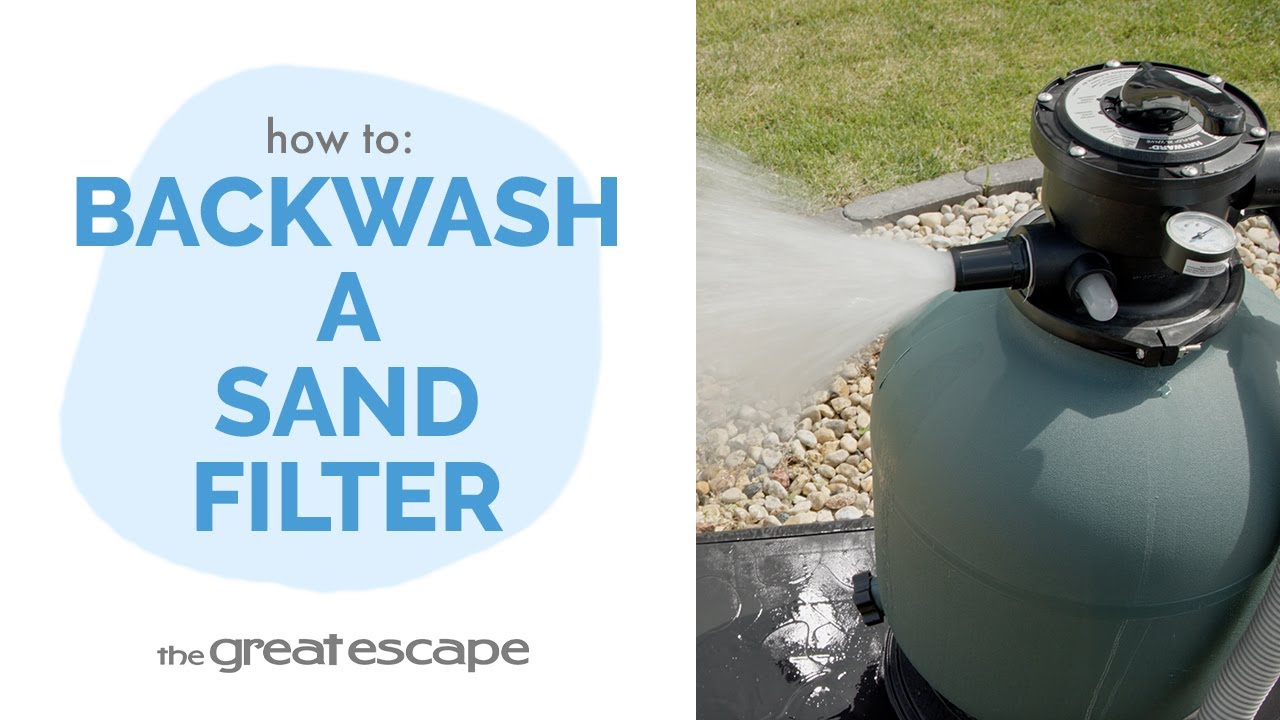
Is your pressure gauge creeping up or your pool water looking a little murky? It’s time to give your Hayward sand filter a refresh. In this tutorial, we’ll walk you through the quick and easy steps to backwash and rinse your filter so your pool stays crystal clear and your system stays efficient. Key Takeaways: Backwashing clears built-up debris from the sand filter tank. Rinsing prevents loosened debris from re-entering your pool after a backwash. Monitor your pressure gauge — 8–10 psi above normal means it's time to backwash. Step-by-Step Process: Turn off the pump. Set the multiport valve to “BACKWASH.” Turn the pump on and backwash until the sight glass runs clear (about 1–2 minutes). Turn off the pump, switch to “RINSE,” and restart the pump for about 30 seconds. Turn off the pump and return the valve to “FILTER” mode. Resources and Explanations: Multiport Valve Settings – Know how and when to use each setting. Sight Glass – Watch for water clarity to know when the cycle is complete. Pressure Gauge – Your go-to tool for knowing when maintenance is needed. Regular Sand Filter Maintenance – Keeps your pool sparkling and your equipment stress-free. FAQs: Q1: How often should I backwash my sand filter? A: When your pressure gauge reads 8–10 psi above normal or when water flow decreases. Q2: Why do I need to rinse after backwashing? A: Rinsing clears any debris left in the pipes, so it doesn’t end up back in your pool. Q3: What’s the normal pressure for a clean sand filter? A: It varies by system, but typically 10–15 psi is standard. At The Great Escape, we believe pool ownership should be simple and fun. That’s why we offer expert-backed tutorials and helpful service so you can enjoy every splash, stress-free. Subscribe for more maintenance tips and tricks!
- How to Replace the Drain Plug on a Hayward Sand Filter
A leaky or worn-out drain plug can compromise your entire pool filtration system. In this quick tutorial, we'll show you how to replace the drain plug on your Hayward sand filter to keep your system running smoothly and efficiently. Key Takeaways: Always shut off your pump and set the valve to CLOSED before starting. Hand-tighten the new drain plug to prevent leaks—no need for tools. Switching the valve back to FILTER restores your system for daily operation. Step-by-Step Process: Turn off the pool pump. Rotate the multiport valve to the “CLOSED” position. Unscrew the old drain plug counterclockwise and allow water to drain. Insert the new drain plug and tighten it clockwise by hand. Set the multiport valve back to “FILTER.” Resources and Explanations: Hayward Drain Plug – Replaces damaged or leaky plugs to prevent water loss. Multiport Valve Positions – Set to “CLOSED” to avoid water flow during replacement. Hand-Tightening Technique – Prevents overtightening that could damage threads. Filter Setting Reminder – Restores normal operation once replacement is complete. FAQs: Q1: Do I need to drain the entire filter to replace the plug? A: No, just expect some residual water to drain when removing the plug. Q2: Can I use tools to tighten the new plug? A: It’s best to hand-tighten to avoid stripping the threads or cracking the plug. Q3: How often should I check the drain plug for wear? A: Inspect it annually at pool opening or closing, or if you notice leaking. At The Great Escape, we’re committed to helping you protect your pool investment. From simple fixes to full setups, our tutorials are here to support your journey to effortless pool ownership.
- Swap It Out: How to Replace a Pressure Gauge on a Hayward Sand Filter
A faulty pressure gauge can leave you guessing about your filter’s performance. In this quick guide, we’ll show you how to easily replace the pressure gauge on your Hayward sand filter—no stress, no leaks, just clearer readings for a cleaner pool. Key Takeaways: Replacing a pressure gauge is fast and requires no special tools. Always shut off the pump and close the valve before beginning. Proper tightening prevents drips while ensuring accurate pressure readings. Step-by-Step Process: Turn off your pump completely. Set the multiport valve to the “CLOSED” position. Remove the old pressure gauge by turning it counterclockwise. Expect a small amount of water to drip out—this is normal. Quickly thread the new gauge into place by turning it clockwise. Hand-tighten the gauge until it’s snug and no longer leaks. Set the valve back to “FILTER” and restart the system. Resources and Explanations: Pressure Gauge – Monitors PSI to help you know when to backwash or clean the filter. Hayward Multiport Valve – Must be closed to safely remove and replace the gauge. Hand-Tightened Fitting – Eliminates the risk of over tightening and cracking the filter head. Small Water Drip – A normal part of this process, indicating system depressurization. FAQs: Q1: How often should I replace my pressure gauge? A: Check it every season; replace if the readings are inaccurate or stuck. Q2: Can I use thread sealant or Teflon tape? A: Most gauges come pre-sealed, but a small amount of pool-safe thread sealant is acceptable if needed. Q3: What PSI reading should I expect when the system is running normally? A: Every pool is different, but most systems run between 10–20 PSI. Note your system’s “clean” baseline after installation. At The Great Escape, we make pool ownership easier with helpful tutorials and expert advice. For more guidance or pool supplies, stop by your local store—we’re always happy to help!
- How to Replace the Sight Glass on a Hayward Sand Filter
Keep your backwashing process crystal clear! In this quick tutorial, we’ll walk you through replacing the sight glass on your Hayward sand filter—an easy fix that keeps your pool water clean and your system running smoothly. Key Takeaways: Replacing the sight glass ensures clear visibility during backwashing. Always turn your multiport valve to “CLOSED” before beginning. A new O-ring is crucial for creating a tight seal and preventing leaks. Step-by-Step Process: Turn off your pump and set the multiport valve to “CLOSED.” Remove the old sight glass by turning it counterclockwise. Remove the old O-ring using a screwdriver. Insert a new O-ring and quickly thread the new sight glass in place by turning it clockwise. Hand-tighten the sight glass until it’s snug. Turn the valve back to the “FILTER” position. Resources and Explanations: Sight Glass: This clear window lets you monitor water clarity during backwashing. O-Ring: A small but essential rubber seal that prevents leaks at the sight glass connection. Multiport Valve: Controls various filter functions; always set it to “CLOSED” before maintenance. Hand-Tightening: Tools are not required—hand pressure is enough to secure the sight glass. FAQs: Q1: Why is my sight glass leaking after replacement? A1: Check the O-ring placement—it might be missing or improperly seated. Q2: Can I use a wrench to tighten the sight glass? A2: No need—hand-tightening is usually sufficient and prevents damage to the threads. Q3: Is this process the same for all Hayward sand filters? A3: Most models follow this same basic process, but always consult your specific manual. At The Great Escape, we believe pool ownership should be stress-free and satisfying. Our how-to videos are designed to help you enjoy every splash by empowering you with the knowledge to maintain your equipment with confidence. Need more help? We’re just a call or visit away!
- How to Replace a Valve Clamp on a Hayward Sand Filter
Replacing your valve clamp is a key step in maintaining a leak-free filtration system. In this video, we’ll walk you through removing and reinstalling the clamp that holds your multiport valve securely in place—ensuring smooth operation all season long. Key Takeaways: Learn how to safely remove the old clamp without damaging your filter. See how to properly align the new C-clamp for a secure fit. Discover when and why to use shutoff valves or Hayward caps to prevent water loss. Step-by-Step Process: Turn off your pump and close your shutoff valves (or use Hayward caps in the skimmer and return). Use a screwdriver to remove the bolts from each end of the old C-clamp. Carefully lift and set aside the multiport valve. Align the new C-clamp with the valve head and tank, insert screws, and tighten securely. Confirm the multiport valve is set to the “FILTER” position before resuming operation. Resources and Explanations: Hayward C-Clamp: Secures the multiport valve to the filter tank; must be tight to prevent leaks. Screwdriver: Essential tool for removing and reattaching bolts. Hayward Cap or Shutoff Valves: Prevent water loss during servicing. Multiport Valve: Directs water flow through various filter functions; must be reseated correctly. FAQs: Q1: What happens if the clamp isn’t installed properly? A: loose or misaligned clamp can cause water to leak or disrupt filtration. Always double-check the seal. Q2: Do I need to drain my filter before doing this? A: No, as long as you turn off the pump and use shutoff valves or caps to block water flow, draining isn’t necessary. Q3: How tight should the clamp screws be? A: Tighten until both sides of the clamp meet evenly. Do not overtighten, as this can crack the clamp or tank flange. At The Great Escape, we believe in helping you get the most out of your backyard investments. Our tutorials are designed to empower you with the knowledge and confidence to care for your pool or spa—so you can spend more time enjoying it.
- How to Replace a Multiport Valve on a Hayward Sand Filter
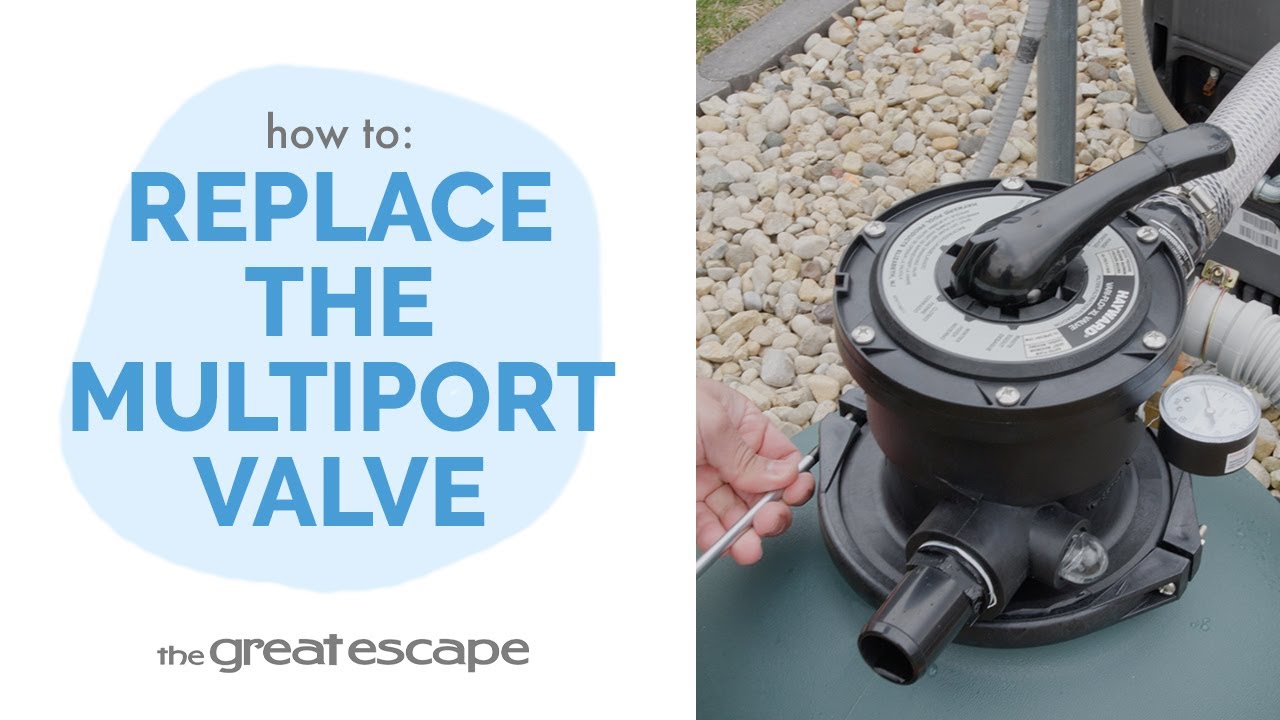
Replacing a multiport valve doesn’t have to be complicated. In this tutorial, we’ll walk you through the exact steps to safely and successfully swap out the multiport valve on your Hayward sand filter. Key Takeaways: Shut off all water flow before starting the replacement process. Carefully detach and align parts to avoid damage to the lateral assembly. The c-clamp must be properly positioned and securely fastened. Step-by-Step Process: Turn off the pump. Stop water flow using shut-off valves or Hayward plugs in the skimmer and return. Remove the c-clamp by loosening the bolts and set it aside. Detach the multiport valve from the lateral assembly. Insert the lateral assembly into the new valve’s bottom port. Press down the new valve and align it with the tank. Reassemble the c-clamp, insert screws, and tighten securely. Resources and Explanations: Hayward Multiport Valve – The primary part being replaced, responsible for controlling filter functions such as backwash, rinse, and waste. C-Clamp Assembly – Holds the valve securely to the filter tank; proper alignment is crucial for leak prevention. Lateral Assembly Connection – Internal piping that must be carefully inserted into the new valve to ensure proper water flow. Wrench or Socket Tool – Used to loosen and tighten the c-clamp bolts during valve removal and installation. FAQs: Q1: Do I need to drain the filter before replacing the valve? A: It’s not required, but stopping water flow from both sides of the filter is essential to avoid spills. Q2: Can I reuse the old c-clamp? A: Yes, as long as it's not rusted or damaged and still forms a secure seal. Q3: What tools will I need for this job? A: Typically just a wrench or socket set to loosen and tighten the c-clamp bolts. Q4: Is this process the same for other brands? A: While general steps are similar, always follow your specific manufacturer’s recommendations. Q5: What happens if the new valve doesn’t fit properly? A: Double-check that the valve matches your sand filter model. Misalignment or incorrect parts can lead to leaks. At The Great Escape, we believe in helping you get the most out of your pool investment. For more helpful tips or in-store guidance, visit your nearest location—we’re always happy to help.
- Stop the Leak: How to Replace an O-Ring on a Hayward Multiport Valve
A worn O-ring can cause leaks and disrupt your filtration system. In this quick tutorial, we’ll walk you through replacing the O-ring on your Hayward multiport valve—a simple fix that keeps your pool system running clean and tight. Key Takeaways: A fresh O-ring prevents air leaks and water loss at the valve connection. Proper alignment of the multiport valve and clamp is essential. This fix can restore performance without replacing the full valve assembly. Step-by-Step Process: Turn off your pump and shut off water flow using shutoff valves or Hayward caps. Use a screwdriver to remove the bolts on both ends of the C-clamp. Detach the multiport valve from the filter and remove the old O-ring. Place the new O-ring under the valve collar. Reconnect the valve, align the C-clamp, and tighten the screws securely. Set the valve to “FILTER” before turning the system back on. Resources and Explanations: Hayward O-Ring – Seals the connection between valve head and tank to prevent leaks. C-Clamp – Holds the multiport valve and filter tank tightly together. Screwdriver – Required tool for removing and reattaching clamp bolts. Hayward Caps or Shutoff Valves – Stop water flow from skimmer and return during service. FAQs: Q1: How do I know if my O-ring needs replacing? A1: Look for signs of leaking or hear air sucking into the system—it often means the O-ring is cracked or worn. Q2: Can I use any O-ring for this repair? A2: No—make sure to use a Hayward-compatible O-ring to ensure a proper seal. At The Great Escape, we’re here to help you protect your pool system and get the most out of every season. Need more help? Visit your local store or browse our full library of tutorials online.
- Refresh Your Filter: How to Replace Sand in a Hayward Sand Filter
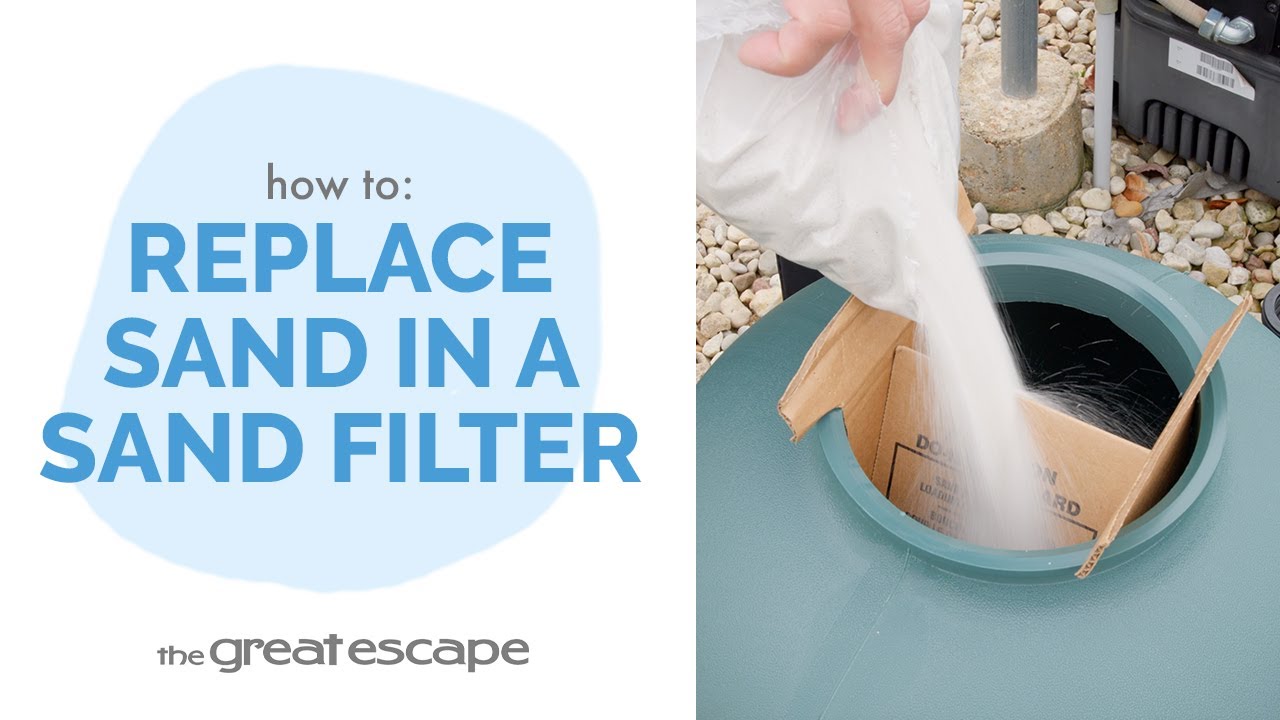
A clean pool starts with an efficient filter. In this tutorial, we walk you through how to replace the sand in your Hayward sand filter—a straightforward task that keeps your pool water sparkling and your system running smoothly. Key Takeaways: Turn off and isolate water flow before starting the process. Removing old sand protects your filter and improves efficiency. Adding fresh sand with proper precautions prevents equipment damage. Step-by-Step Process: Shut off the pump and isolate water using shutoff valves or Hayward caps. Remove the C-clamp and detach the multiport valve. Drain the tank by removing the drain cap. Scoop out the old sand manually or use a shop vac. Fill the tank ⅓ full with water to protect laterals. Use a Sand Shield or cup to cover the center pipe and pour in new sand. Reattach the multiport valve and secure it with the C-clamp. Confirm the valve is in the “FILTER” position before turning the system back on. Resources and Explanations: Hayward Cap: Temporarily stops water flow if your system lacks shutoff valves. Shop Vac: Speeds up the sand removal process. Sand Shield/Cardboard or Cup: Prevents sand from entering the laterals during refill. Multiport Valve & C-Clamp: Key components for reconnecting your filter head securely. FAQs: Q1: How often should I replace the sand in my filter? A: Every 3–5 years, or sooner if the filter isn’t performing well. Q2: Can I use any type of sand in my Hayward filter? A: Use only #20 silica sand or manufacturer-recommended filter media. Q3: Do I need to backwash the filter after adding new sand? A: Yes, backwashing helps clear any fine particles from new sand before regular filtration begins. Q4: What if my filter doesn’t have shutoff valves? A: Use Hayward caps to block water flow from the skimmer and return. Q5: Why add water before pouring in the sand? A: Water cushions the laterals to prevent cracking or breakage during the refill. We’re here to help you get the most out of your pool investment. If you need more support, reach out to your local Great Escape team—your go-to source for pool care and expertise!
- Restore Your Filter Flow: How to Replace the Lateral Assembly in a Hayward Sand Filter
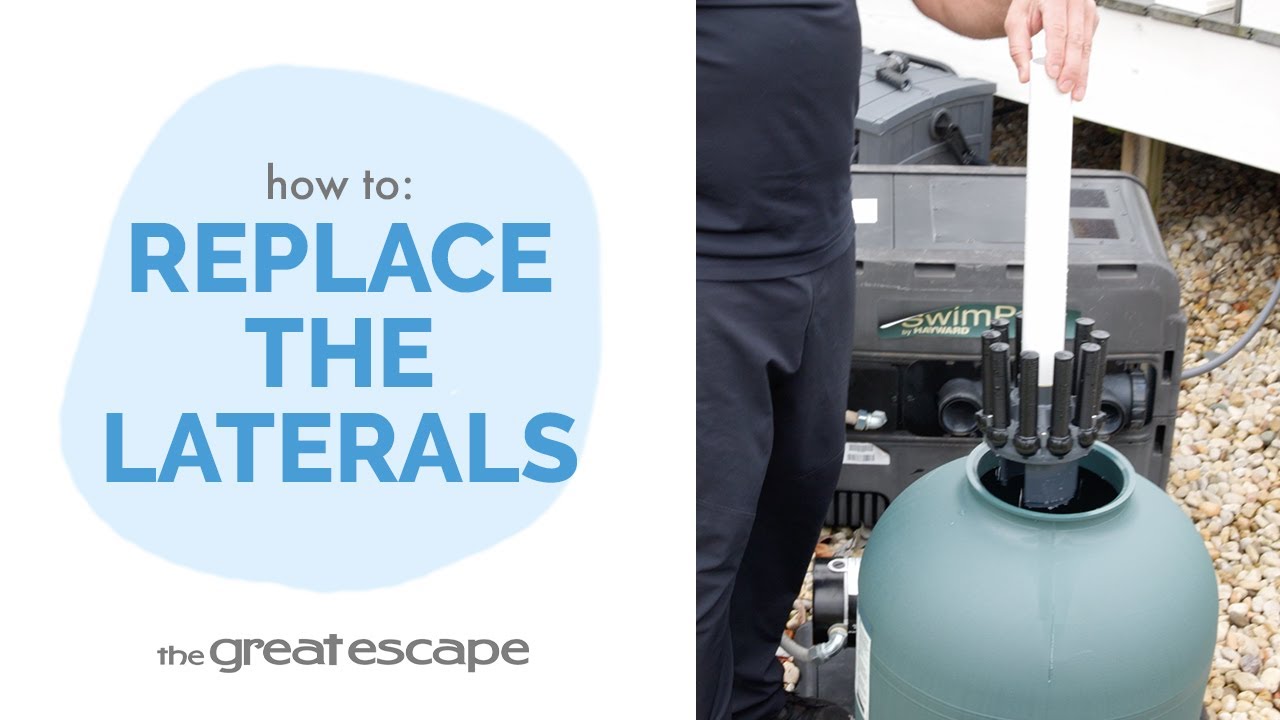
If your filter isn’t performing like it used to, the issue could be buried deep inside—literally. In this tutorial, we’ll show you how to replace the lateral assembly in a Hayward sand filter, a critical step to restoring your filtration system and keeping your pool water clean and clear all season long. Key Takeaways: Lateral assemblies ensure even water flow through your filter sand. Always shut off water flow and power before beginning disassembly. Use a sand shield or cup to protect the center pipe during sand refills. Pre-fill the tank with water to cushion the laterals when adding new sand. Step-by-Step Process: Turn off the pump and close shutoff valves or use Hayward caps. Remove the C-clamp and detach the multiport valve. Drain water by removing the tank’s bottom drain cap. Remove old sand using a scoop or shop vac. Lift out the old lateral assembly; install the new one with laterals fully extended. Fill the tank ⅓ with water, then use a sand shield or cup over the center pipe. Slowly pour in new sand until the tank is ¾ full. Reconnect the valve, align and secure the C-clamp. Set the valve to “FILTER” before restarting the system. Resources and Explanations: -Lateral Assembly – The internal manifold that disperses water evenly through the filter sand. -Sand Shield or Cup – Protects the center pipe from getting clogged with sand during refill. -Hayward Cap or Shutoff Valves – Used to block water flow when plumbing lacks manual valves. -C-Clamp – Holds the valve and filter tank tightly together; must be aligned evenly to prevent leaks. FAQs: Q1: How do I know my lateral assembly needs replacement? A: Signs include poor filtration, sand in the pool, or reduced water flow. Q2: What kind of sand should I use when refilling? A: Use only #20 grade silica sand, specifically designed for pool filters. Q3: Can I reuse the old sand after replacing the laterals? A: It’s not recommended—fresh sand ensures optimal filtration and avoids contamination. Q4: Why should I add water before the sand? A: Water cushions the laterals and prevents damage during the refill process. Q5: What if I can’t align the C-clamp properly? A: Loosen and reposition the valve gently. Forcing it may damage the seal or tank threads. At The Great Escape, we’re here to help you protect your pool investment with clear, reliable how-to guidance. If you have questions or need tools or supplies, visit your local store—our team is always happy to help!
- How to Assemble and Connect a Hayward Sand Filter
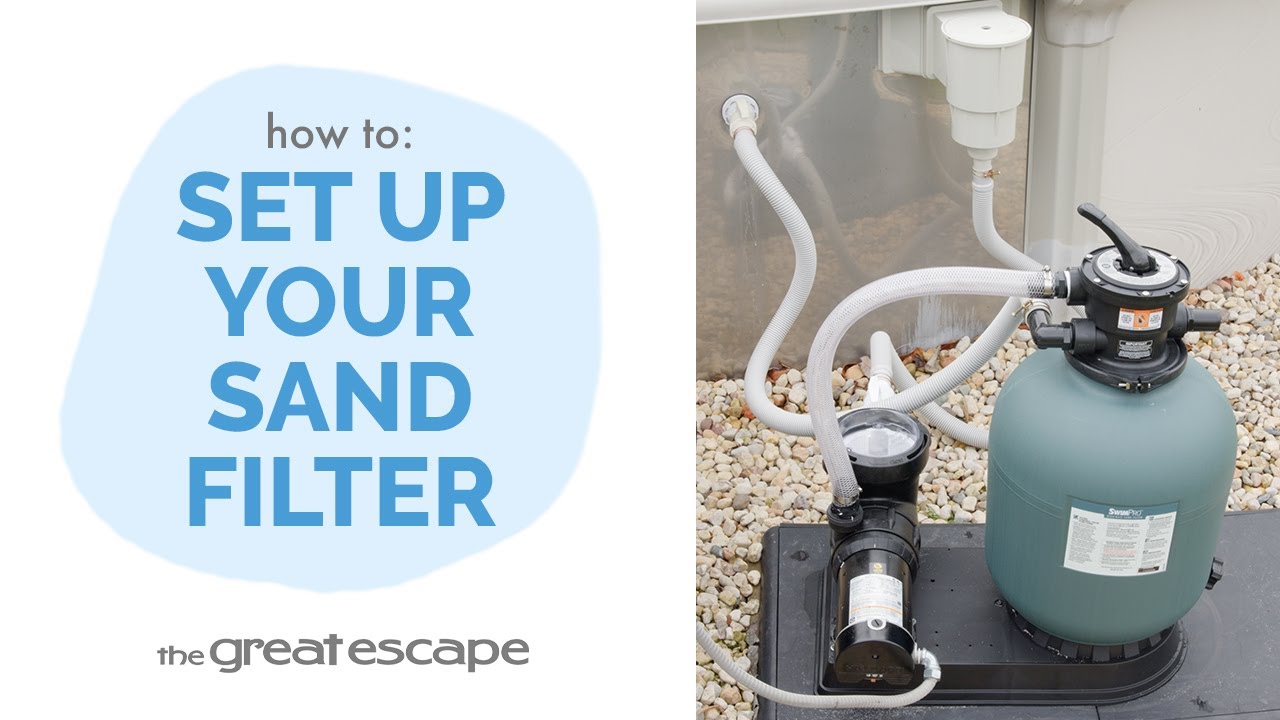
Setting up your Hayward sand filter correctly is the first step toward crystal-clear water all season long. We’ll guide you through every connection, clamp, and fitting to get your filter running smoothly and efficiently. Key Takeaways: Proper positioning and filling technique protect the internal laterals from damage. The multiport valve and O-ring must be correctly aligned to avoid leaks. Hose clamps and Teflon tape are critical for secure, watertight fittings. Step-by-Step Process: Place the base on a level surface and mount the pump using the provided screws. Position the filter tank with easy access to the drain for service and winterization. Insert the fully extended lateral assembly into the tank. Fill the tank halfway with water, then pour sand in slowly using a cardboard Sand Shield or cup to protect the center pipe. Attach the multiport valve with the O-ring beneath the collar and align it with the tank using the C-clamp. Thread the pressure gauge into place. Wrap fittings with Teflon tape and connect them to the “RETURN,” “PUMP,” and “WASTE” ports as labeled. Secure the hoses with clamps, softening the ends in hot water if needed. Connect remaining hoses between the pump, skimmer, and pool return. Resources and Explanations: Hayward Sand Filter Kit – Includes the filter tank, pump, laterals, multiport valve, and base. Sand Shield or Cup – Prevents sand from entering the standpipe during filling. Teflon Tape & Hose Clamps – Ensure leak-free connections at each fitting. C-Clamp Assembly – Aligns and secures the valve to the filter body for safe operation. FAQs: Q1: How much sand do I need to add to the tank? A: Typically about three-quarters full, depending on your specific Hayward model—always refer to your manual. Q2: What happens if I don’t use a sand shield or cup? A: Sand may enter the center pipe, reducing filter performance and potentially damaging internal parts. Q3: Can I use any fittings or hoses? A: Use only pool-grade hoses and fittings compatible with your Hayward setup to ensure a proper seal. Q4: How tight should I make the hose clamps? A: Tight enough to prevent leaks, but avoid overtightening which could damage the hose. Q5: Is Teflon tape really necessary? A: Yes—it helps create a watertight seal on threaded connections and prevents leaks. At The Great Escape, we’re here to help you set up and maintain your pool with confidence. For more expert tips and how-to videos, check out our full YouTube series or stop by your local store. We’re always happy to help!
- The Ultimate Guide to Pool Filtration
Welcome to the ultimate guide to pool filtration! Understanding the essential components and processes involved in pool filtration is crucial for maintaining crystal clear water. Let's explore the key components. Key Takeaways: The skimmer, pump, filter, and return from the foundation of a clean pool. Each component plays a vital role in ensuring proper water circulation and efficient debris removal. The pool water flows from the skimmer to the pump via gravity. The pump actively pulls water, capturing large debris in the pump basket. The water is then pushed through the filter, where all residues are trapped. It's important to note that the filter doesn't sanitize the water but acts as a "spider web," capturing impurities. The clean water is finally returned to the pool through the return. To maintain the best water quality, it's recommended to run your pump for a minimum of 8-12 hours daily. The more the water circulates through the filtration system, the cleaner and safer it becomes. Step-by-Step Process: The pool water moves from the skimmer into the pump using the force of gravity. The pump actively pulls water into the pump basket, capturing large debris like leaves and grass. The pump then pushes the water into the filter, which efficiently traps residues and impurities. Remember, while the filter removes debris, it's crucial to use a sanitizer to eliminate harmful particles and ensure water safety. After passing through the filter, the clean water is pushed through the return and returns to the pool. Resources Mentioned: Skimmer: A pool skimmer is an essential component that collects floating debris from the water's surface, preventing it from sinking and clogging the filtration system. Pump: The pool pump is responsible for pulling water from the skimmer, pushing it through the filter, and returning it to the pool. It plays a crucial role in maintaining proper water circulation. Filter: The pool filter captures and removes fine particles, residues, and impurities from the water, ensuring clean and clear pool water. Nature 2 Sanitizer: An eco-friendly mineral sanitizer proven to destroy bacteria and control algae without any of the harsh effects of traditional chemicals. Return: The return is the outlet through which the filtered and treated water is returned back into the pool, creating a circulating flow. FAQs: Q1: How often should I run my pool pump? A: It is recommended to run your pool pump for at least 8-12 hours a day to ensure optimal water circulation and filtration. Q2: Does the filter sanitize the pool water? A: No, the filter's primary function is to capture debris and impurities. To sanitize the water, you need to use a proper pool sanitizer. Q3: What should I do if I notice reduced water flow or pressure? A: If you observe reduced water flow or pressure, check the pump basket and filter for clogs. Clean or backwash the filter if necessary and ensure the pump is operating correctly. Q4: How often should I clean the pump basket and filter? A: Regularly inspect the pump basket for debris and clean it as needed. The filter requires cleaning based on manufacturer recommendations or when there is a noticeable decrease in water flow. Q5: Can I install a filtration system myself, or should I seek professional assistance? A: While simple maintenance tasks can be performed by pool owners, it's recommended to consult professionals for proper installation and complex filtration system repairs. At The Great Escape, we're always happy to help!